- Get 50% OFF Your First Consultation – Limited Time Offer!

Quick Summary :- Google Search Console is a free Google tool that helps website owners understand how their website performs in Google Search. It provides data about search queries, clicks, impressions, CTR, average position, indexing, individual URLs, sitemaps and certain page experience issues. Used regularly, it can help businesses identify SEO problems and discover new opportunities based on actual Google Search data.
If you have a website, you need to know how Google sees and understands it.
That's where Google Search Console (GSC) comes in.
Google Search Console is a free tool from Google that helps website owners understand how their website performs in Google Search. You can see which keywords bring visitors, how many people click your pages, which pages are indexed, and whether Google has found certain technical issues.
For SEO, it is one of the most useful tools available.
In this guide, we'll explain what Google Search Console is, how to set it up, what its important reports mean, and how you can use it to improve your website's SEO.
Google Search Console is a free Google tool that helps you monitor, maintain, and troubleshoot your website's presence in Google Search.
It gives you information about how your website appears in search results.
For example, you can find:
Tips: Think of Google Search Console as a direct view into how your website is performing in Google Search and where there may be opportunities to improve.
Google Search Console is especially useful because it provides actual search data from Google.
Find the Keywords You Are Ranking For
You may discover that your website is appearing for keywords you weren't actively targeting. These keywords can give you ideas for improving existing pages or creating new content.
Track Your Search Performance
You can monitor clicks, impressions, CTR, and average position over time.
Find Indexing Problems
If Google cannot properly crawl or index a page, Search Console can help you identify the issue.
Improve Existing Content
Search Console can show pages that receive many impressions but few clicks. These pages may need better titles or meta descriptions.
Monitor Website Health
You can also use Search Console to identify certain technical and page experience issues that may affect your website.
Tips: Don't use Search Console only to check rankings. Queries, impressions, CTR, indexing and page-level data can reveal valuable SEO opportunities that rankings alone may miss.
Setting up Google Search Console is relatively simple.
Step 1: Open Google Search Console
Go to Google Search Console and sign in with your Google account.
Step 2: Add Your Website
You'll need to add your website as a property.
Google generally gives you two options:
For most businesses, the Domain property is useful because it can cover the different versions of your website.
Step 3: Verify Your Website
Google needs to confirm that you own or manage the website.
Depending on your setup, verification can be done using methods such as:
Once verification is complete, Search Console can start collecting and displaying your website's data.
Tips: Use an account that the business controls for Search Console access. Avoid making an individual freelancer or temporary vendor the only owner of an important business property.
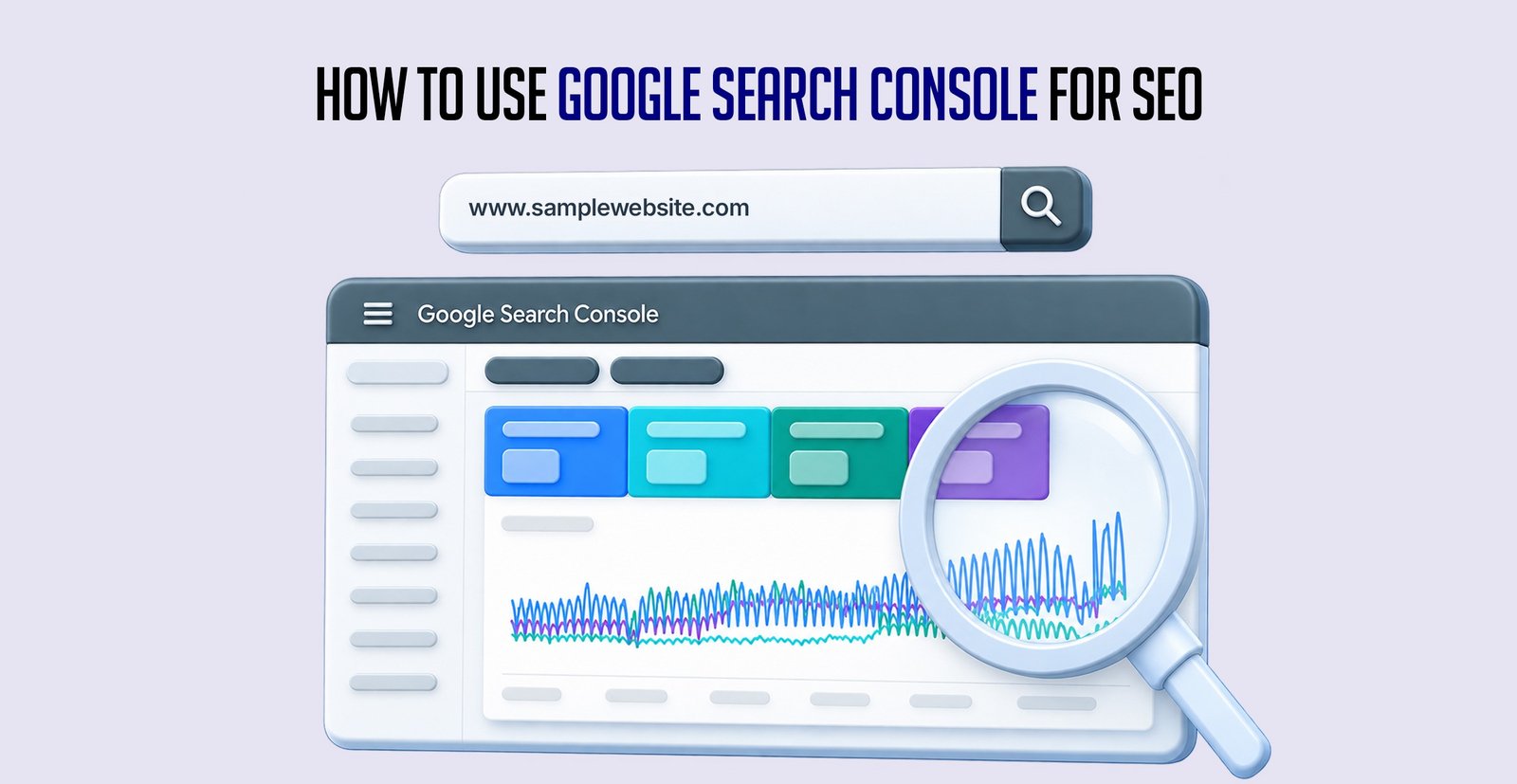
Once your website is connected, there are several reports you should regularly check.
1. Performance Report
The Performance report is one of the most important sections for SEO.
It shows four key metrics:
Total Clicks
How many times users clicked your website from Google Search.
Total Impressions
How many times your website appeared in search results.
Average CTR
The percentage of impressions that resulted in clicks.
Average Position
The average position of your website in Google Search results for the selected data.
Tips: Compare performance over meaningful periods instead of reacting to individual daily fluctuations. Look for patterns across clicks, impressions, queries and pages.
The Queries section shows the keywords that triggered your website in Google Search.
For example, you may find keywords such as:
This information can help you understand what people are searching for when they find your website.
It can also help you discover new keyword opportunities.
Tips: Look for queries where your website already receives impressions but your content only partially answers the search. These can be strong opportunities for content improvement.
This is one of the easiest SEO opportunities to find.
Suppose a page has:
The page is appearing in search results, but relatively few people are clicking it.
You can test improvements such as:
Small improvements in CTR can potentially bring more visitors without needing to rank for additional keywords.
Tips: Before rewriting a title, check which queries generate the impressions. Your new title should better reflect the search intent instead of simply becoming more promotional.
Google needs to crawl and index your pages before they can normally appear in organic search results.
The Page Indexing report helps you understand which pages Google has indexed and which pages have problems.
You may see statuses such as:
Indexed
Google has successfully indexed the page.
Not indexed
Google has not included the page in its index for a particular reason.
If important pages aren't indexed, investigate why and fix the underlying issue.
Tips: Not every non-indexed URL is automatically a problem. Focus first on pages that are important to your users, services, products, content strategy or organic search goals.
The URL Inspection tool allows you to check an individual URL.
You can use it to understand:
It is particularly useful when you publish a new page or important update and want to check how Google is processing it.
Tips: Use URL Inspection for important pages when troubleshooting. It gives you page-specific information that can be more useful than relying only on broader website reports.
A sitemap helps Google discover important URLs on your website.
For many websites, the sitemap can be found at: yourwebsite.com/sitemap.xml
You can submit your sitemap through the Sitemaps section of Google Search Console.
After submitting it, Search Console can show information about the sitemap and its processing.
Tips: Submitting a sitemap doesn't guarantee that every URL will be indexed. It helps Google discover your pages, but indexing still depends on how Google evaluates those URLs.
Google Search Console also provides Core Web Vitals information for your website.
These metrics focus on important aspects of page experience, including:
If Search Console reports problems, work with your developer to investigate and improve the affected pages.
A faster and more stable website can also provide a better experience for your visitors.
Tips: Don't optimize Core Web Vitals only for a score. The practical goal is to create pages that load efficiently, respond quickly and remain visually stable for real users.
You don't need to check Search Console every few hours.
For most businesses, checking it once or twice a week is enough.
Look for:
For an active SEO campaign, a more detailed review can be done monthly.
Tips: Create a regular review routine instead of checking Search Console randomly. Consistent comparisons make it easier to identify meaningful changes and trends.
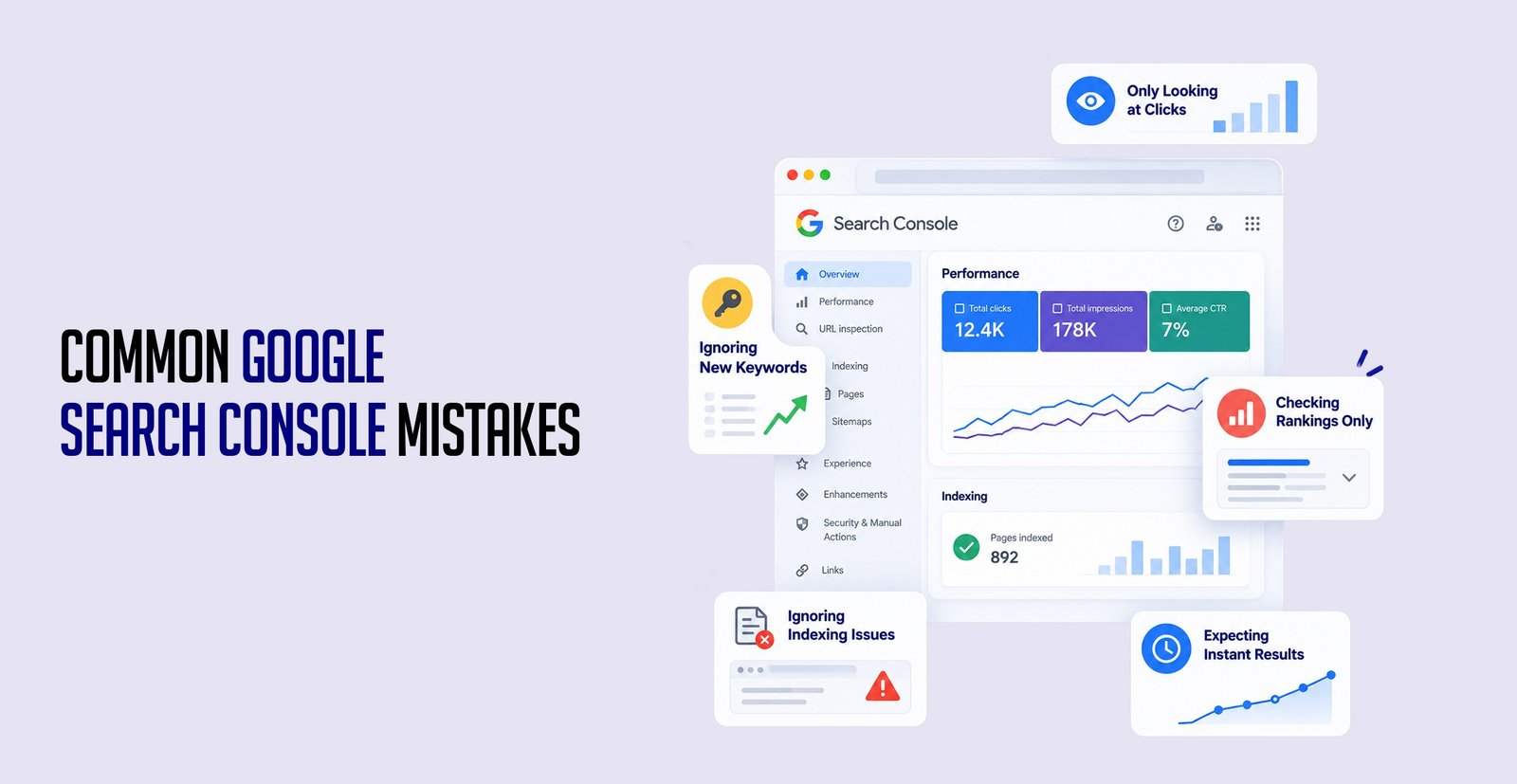
Only Looking at Clicks
Clicks are important, but impressions and CTR can reveal opportunities that clicks alone won't show.
Ignoring New Keywords
Your website may start ranking for keywords you never specifically targeted. These can become valuable content opportunities.
Checking Rankings Only
Search Console provides much more information than average position. Look at queries, pages, CTR, and impressions together.
Ignoring Indexing Issues
If an important page isn't indexed, it may not be able to generate organic traffic.
Expecting Instant Results
SEO takes time. Don't expect rankings to change immediately after making an update.
Tips: Avoid making major SEO decisions from one metric in isolation. Search performance makes more sense when clicks, impressions, CTR, position, pages and queries are reviewed together.
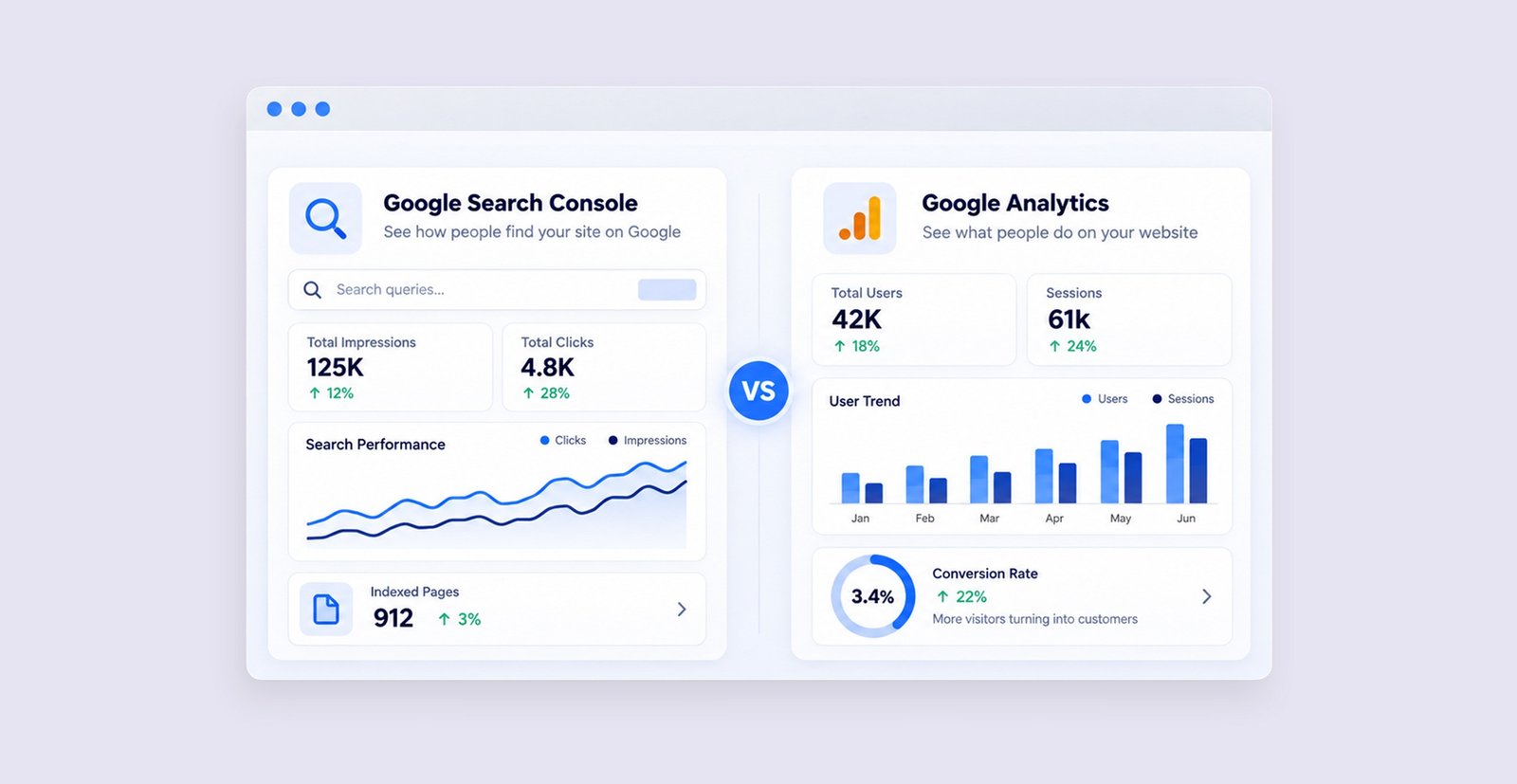
These two tools are often confused.
Google Search Console
Focuses mainly on:
Google Search → Your Website
It tells you about:
Google Analytics
Focuses mainly on:
Your Website → User Behaviour
It can help you understand:
The two tools work well together.
Search Console tells you how people find your website through Google Search.
Google Analytics helps you understand what they do after arriving.
Tips: Use Search Console and Analytics together. One helps explain search visibility and acquisition, while the other gives you more information about behaviour after the visitor reaches your website.
Google Search Console is one of the most useful tools for anyone working on SEO.
You don't need to be a technical expert to use it.
Start with the basics: Check your keywords → Monitor performance → Find SEO opportunities → Fix issues → Improve your pages.
When you regularly use the data from Search Console, you can make better SEO decisions based on what Google users are actually searching for, rather than relying only on assumptions or keyword research tools.
Google Search Console can show you where opportunities and problems exist, but the real value comes from turning that data into practical improvements across your website, content and SEO strategy.
Agyle Studio can help businesses connect SEO insights with content strategy, digital marketing, website development and ongoing optimization.
Comments are closed