- Get 50% OFF Your First Consultation – Limited Time Offer!

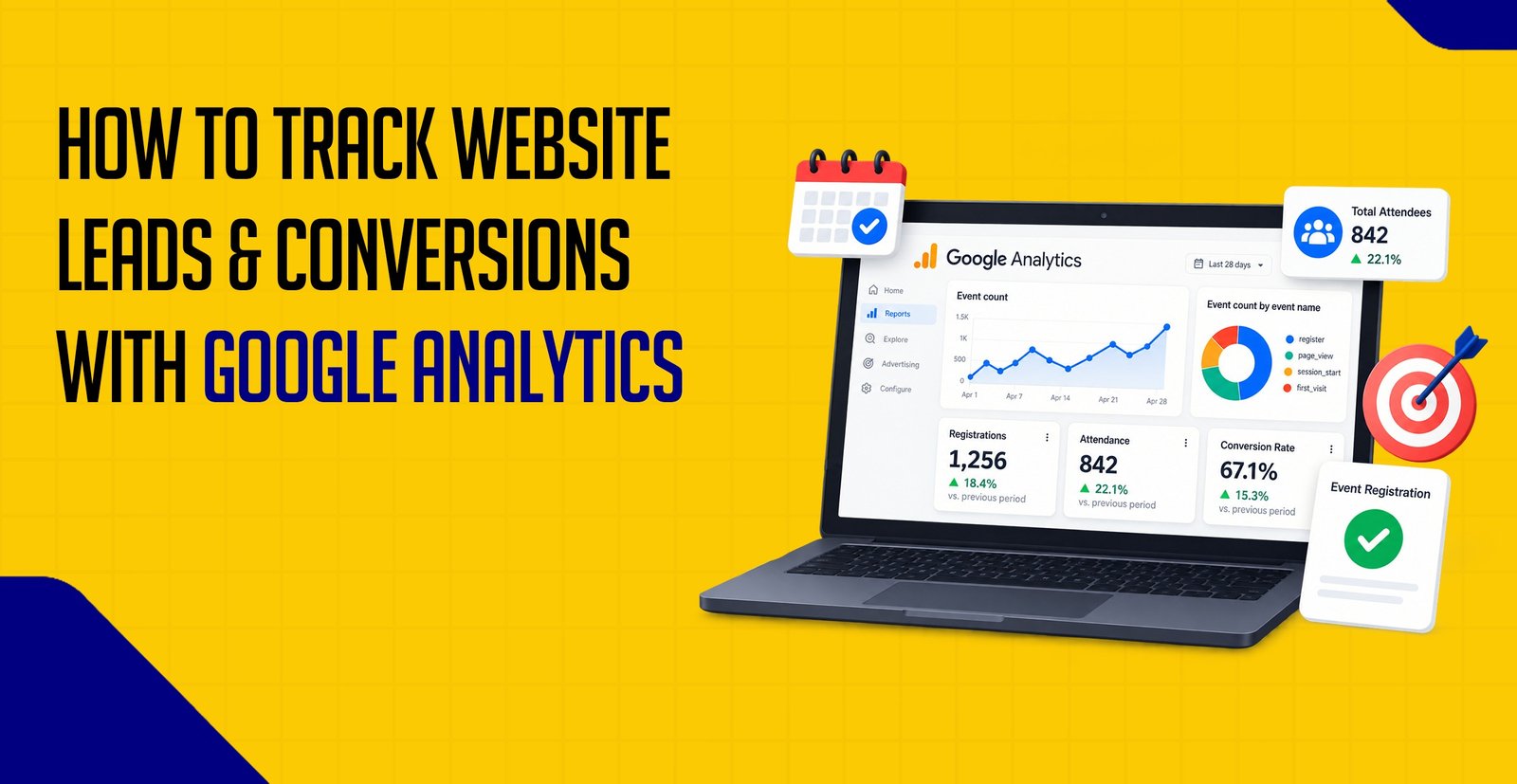
Quick Summary :- Google Analytics 4 can help businesses track important website actions such as contact form submissions, phone clicks, bookings, WhatsApp enquiries, purchases, and other conversions. GA4 uses events to measure these interactions, and important events can be identified as key events. A proper conversion tracking setup helps you understand where leads come from, which pages generate results, and which marketing channels are contributing to your business goals.
Getting traffic to your website is important, but traffic alone does not tell you whether your website is helping your business grow.
What really matters is what visitors do after they arrive.
Do they fill out your contact form?
Do they call your business?
Do they book a consultation?
Do they purchase a product?
This is where Google Analytics can help.
With Google Analytics 4 (GA4), you can track important interactions on your website and understand which activities are contributing to your business goals.
In this guide, we will explain how to track website conversions, what you should track, and how businesses can use Google Analytics to understand their leads and customers.
A conversion is an important action that a visitor completes on your website.
The definition of a conversion depends on your business.
For example, for a digital marketing agency, a conversion could be:
For an e-commerce business, it could be:
In simple terms:
Visitor → Takes an Important Action → Conversion
Tips: Define conversions according to real business outcomes. The most useful conversion is not simply an interaction—it is an action that represents meaningful progress toward your business goal.
Website traffic is only one part of your digital marketing performance.
Imagine your website receives:
5,000 visitors
But only:
50 visitors submit an enquiry
Now you have a much more useful piece of information.
You can start asking:
Conversion tracking helps you answer these questions.
Tips: Don't evaluate website performance only by visitor numbers. A smaller amount of qualified traffic that generates leads may be more valuable than large amounts of traffic that never converts.
The right conversions depend on your business goals.
For Service Businesses
You could track:
For E-commerce Websites
You could track:
For Content Websites
You could track:
The goal is not to track everything simply because you can.
Focus on actions that provide meaningful information about your business.
Tips: Separate important business outcomes from supporting engagement events. This keeps your reporting focused and easier to interpret.
GA4 uses events to measure user interactions.
For example:
User visits a page → page_view event
User clicks a button → click event
User submits a form → form submission event
User purchases a product → purchase event
An important event can then be treated as a key event in GA4.
This allows you to focus on the actions that matter most.
Tips: Not every GA4 event needs to become a key event. Reserve key events for actions that represent meaningful progress toward your business objectives.
Step 1: Decide What Counts as a Lead
Before setting up tracking, define what a lead means for your business.
For example, an agency might define a lead as:
A visitor who successfully submits the contact form.
You may also want to track phone calls or consultation bookings separately.
Having clear goals makes your analytics setup much easier to understand.
Tips: Define your lead criteria before configuring analytics. Clear business definitions make event setup, reporting and optimization much easier.
Your website needs to have Google Analytics 4 properly installed.
Once GA4 is installed, it can collect information about visitors and their interactions with your website.
If you already have GA4 installed, check that data is being received correctly before creating additional tracking.
Tips: Confirm the basic GA4 installation first. Adding conversion events to an incorrect or duplicate Analytics setup can make troubleshooting much harder.
Next, identify the interaction that represents your conversion.
For example:
Contact Form Submitted
or
Purchase Completed
You can then configure GA4 to record the relevant interaction as an event.
The exact implementation depends on how your website and form are built.
Once the event is being recorded, you can identify it as an important business action in GA4.
For example:
Event: generate_lead
This tells GA4 that the event represents an important outcome.
You can then analyze these actions alongside your other website data.
Never assume your tracking is working simply because the setup has been completed.
Test the complete process yourself.
For example:
Open Website
↓
Fill Contact Form
↓
Submit Form
↓
Check GA4
↓
Confirm Event Was Recorded
For an e-commerce website:
Product Page
↓
Add to Cart
↓
Checkout
↓
Purchase
↓
Check GA4
Testing helps identify tracking problems before you start relying on the data.
Tips: Test the complete user journey, not just whether a tag exists. Confirm that the expected event appears only when the intended action is successfully completed.
Once conversions are being tracked, you can analyze the sources bringing visitors to your website.
For example:
Organic Search
Google Ads
Social Media
Direct Traffic
Referral Websites
This can help you understand which channels are bringing traffic and which are contributing to important actions.
Tips: Compare conversion performance by channel instead of focusing only on traffic volume. A channel with fewer visits may still generate more qualified leads.
Not every website page will perform the same way.
For example, you may discover that:
Service Page A → 20 leads
Service Page B → 5 leads
Blog Page → 2 leads
This information can help you understand which pages are contributing to your business goals.
You can then improve pages that receive traffic but generate few conversions.

Suppose you have a form on your website:
Name
Email
Phone
Message
Submit
A simple tracking flow could be:
User Visits Contact Page
↓
Completes Form
↓
Submits Form Successfully
↓
GA4 Records Event
↓
Event Becomes a Key Event
The important part is to make sure the event is triggered by a successful submission, rather than simply when someone clicks the submit button.
Otherwise, you could count unsuccessful attempts as leads.
Tips: Track successful form completion whenever possible. A submit-button click alone can produce false conversions when validation errors or technical issues prevent the form from being submitted.
Phone calls can be an important conversion for local and service-based businesses.
You may want to track:
For example:
User visits website → Clicks phone number → Call action is recorded
For businesses where phone enquiries are important, call tracking should be considered alongside form submissions.
Many businesses use WhatsApp or enquiry buttons to generate leads.
You can track important button interactions as events.
For example:
User clicks "Chat on WhatsApp"
↓
Event is triggered
↓
GA4 records interaction
However, remember that a WhatsApp click is not necessarily the same as a qualified lead.
It is useful to distinguish between:
Button Click → Enquiry → Qualified Lead → Customer
Tips: Treat button clicks as an early-stage interaction unless you can confirm that the user actually completed an enquiry or another valuable action.
For an e-commerce website, purchases are usually one of the most important conversions to measure.
A basic customer journey could be:
Product View
↓
Add to Cart
↓
Begin Checkout
↓
Purchase
Tracking these stages helps you understand where users are dropping out of the buying process.
You can also analyze purchase value and product performance when your e-commerce tracking is properly implemented.
Tips: Don't look only at purchases. Tracking product views, add-to-cart actions and checkout starts can help identify where customers leave the buying journey.
If you are running Google Ads, conversion tracking becomes even more important.
You can use Google Analytics to understand website activity and use Google Ads conversion tracking to measure advertising-related conversions.
For example:
Google Ad
↓
Website Visit
↓
Contact Form
↓
Lead
The goal is to connect your advertising activity with meaningful business outcomes.
For detailed setup instructions, you can also link this article to your Google Ads Conversion Tracking blog.
Tracking Only Website Traffic
Traffic doesn't automatically mean business.
Always look at important actions alongside traffic.
Tracking Button Clicks Instead of Successful Actions
A user clicking a form button does not necessarily mean the form was successfully submitted.
Counting the Same Conversion Twice
Multiple tracking systems can sometimes result in duplicate data if they are not configured properly.
Tracking Too Many Events as Conversions
Not every click or interaction needs to be treated as a key business conversion.
Not Testing Your Setup
Always test important events before using the data to make marketing decisions.
Ignoring Lead Quality
A large number of conversions does not necessarily mean a large number of valuable customers.
For lead-generation businesses, it is useful to look beyond the initial conversion and understand which leads actually become customers.
Tips: Conversion quantity and conversion quality are different. Where possible, connect website leads with later sales outcomes to understand which channels generate valuable customers.

A simple process can look like this:
Define Business Goal
↓
Choose Important Conversion
↓
Set Up GA4 Event
↓
Mark Important Event as Key Event
↓
Test Tracking
↓
Analyze Traffic Sources
↓
Analyze Landing Pages
↓
Measure Leads & Sales
↓
Improve Website & Marketing
Tips: Build conversion tracking around your business questions. Start with what you need to measure, then configure the events and reports required to answer those questions.
Knowing how to track website conversions helps you move beyond simply counting website visitors.
Instead of asking:
"How much traffic did my website get?"
you can start asking:
"How many visitors became leads?"
"Which marketing channel generated those leads?"
"Which pages are generating conversions?"
"Which leads are turning into customers?"
This makes your website and digital marketing efforts much easier to measure.
For businesses using SEO, Google Ads, social media, and other marketing channels, proper conversion tracking provides valuable data that can help guide future decisions.
Comments are closed